
Technology & tools
What Can Meta Muse Do for You? Four Everyday Scenarios
School emails, shopping research, dinner plans and travel itineraries: four ways to understand Meta Muse’s announced capabilities, the access it needs and the decisions worth reviewing yourself.
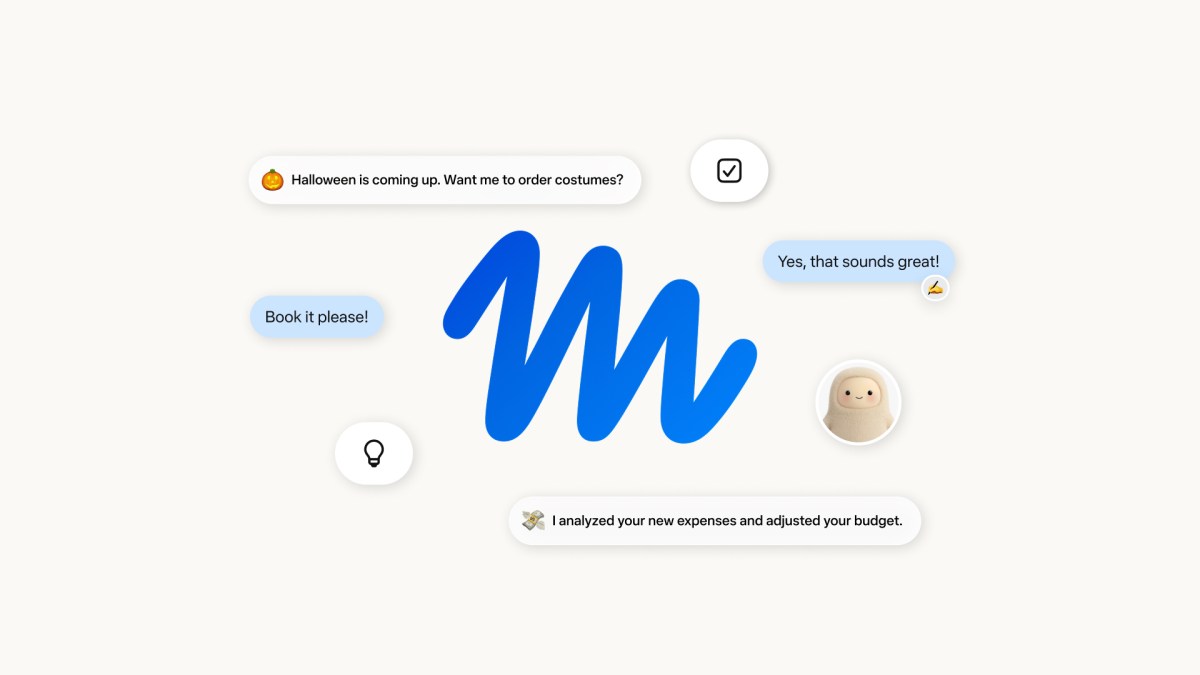
Meta announced its personal AI agent Muse on September 8, 2026. This guide, checked against official material on September 23, explains practical uses rather than reporting a new launch. Homix has not tested Muse. The task suggestions below are ours, based on the capabilities Meta describes. Launch announcement
1. Turn school emails into a manageable family to-do list
A useful first request might be: “Find this week’s school messages that need a parent’s response. Sort them by deadline and link to the originals.” Muse’s connectors can give it access to an authorized mailbox or calendar. Many support retrieving information without making changes. Start there; check names, dates and attachments before allowing replies or calendar updates. The services available depend on the connector options in your account. Connector help
2. Compare a purchase and watch the price
Try a bounded assignment: “Compare three headphones under $150, including total price and return terms. Tell me about price drops, but don’t order.” Meta documents shopping and price monitoring through Muse’s browser. You can observe its activity, take control or stop the task. Our suggestion is to separate researching from paying, then check the exact model, shipping costs and delivery address before checkout. A recommendation is not a completed order. Browser help
3. Turn saved recipes into a dinner shopping list
Meta describes Muse using saved Instagram recipes to assemble a grocery list and help plan a menu. Give it the guest count, budget and dietary restrictions, then ask it to account for ingredients already at home. This is a practical bridge between collecting ideas and knowing what to buy. Review ingredients and quantities yourself, and check that the relevant account connection is available and appropriately authorized. Official examples
4. Organize scattered travel details into an itinerary
Provide confirmed flights, accommodation and places you want to visit. Ask for a daily plan that flags unresolved transport or reservations. Meta’s design explanation describes documents, PDFs and interactive outputs, including itineraries. Our suggestion: keep source links and separate confirmed bookings from proposed activities. That distinction makes the result easier to check before departure, particularly when plans change. It also gives you a concrete deliverable to review instead of another long chat response. Product design explanation
Set the boundaries before handing over the task
Use the product page for current access options. The launch began in the United States, with free use and subscription options; check your signup screen for device support, availability and limits. Tasks involving private email or calendars require the appropriate connection.
In Settings → Permissions, review whether an approval applies once, to a task or more broadly. The Activity log helps you inspect what happened. Permission help
Meta’s security explanation describes isolation, protected credentials and a separate approval system, while acknowledging that mistakes remain possible. Begin with something you can easily verify. Expand access only after the results justify it.
Reader takeaway
We would judge a tool like this by the searching and coordination it saves. Start with one task and a clear finish line: what was organized, where the information came from and what still needs your approval. Let the result determine the next permission you grant.
Source & further reading
Meta Newsroom · Meta AI · Meta Help Center ↗Source published: September 8, 2026